

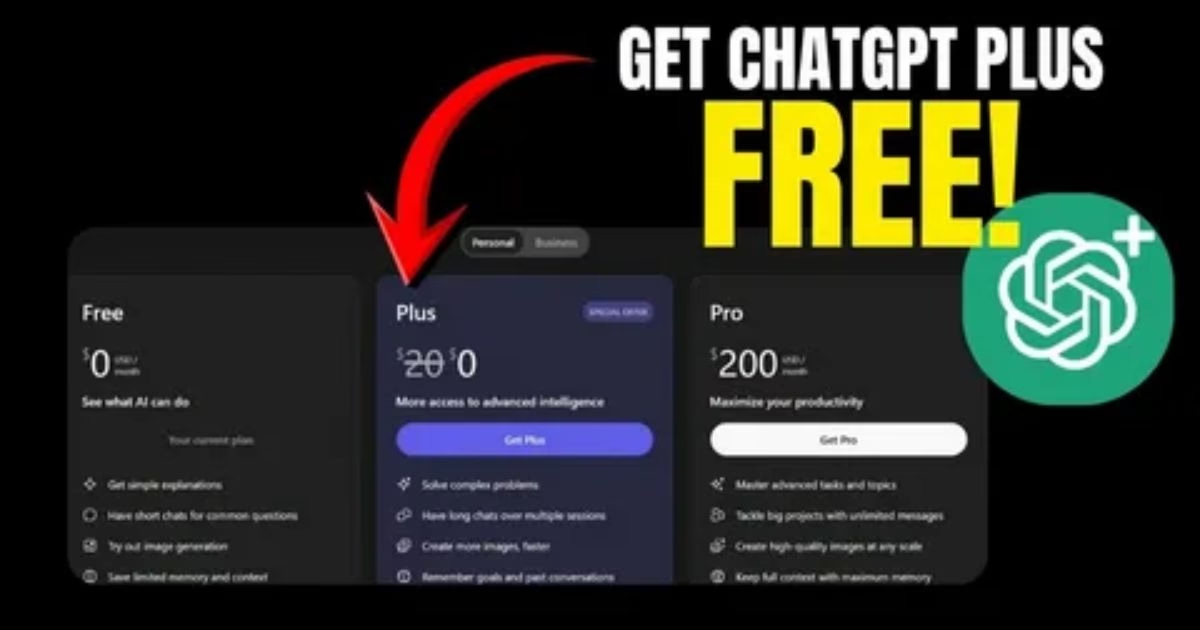

Artificial intelligence has become a regular part of everyday life, and ChatGPT Free is one of the easiest ways for people to start using AI without committing to a paid subscription.
Whether you want help writing an email, answering questions, learning a new topic, brainstorming ideas, summarizing information, creating content, or working with images, ChatGPT can assist with a wide range of everyday tasks.
The free version is particularly useful for students, professionals, small businesses, content creators, and anyone who wants to explore AI before deciding whether a paid plan is necessary.
In this guide, we’ll explain how to use ChatGPT Free in 2026, what you can do with it, how to get started, what limitations you may encounter, and when upgrading to a paid plan might make sense.
What Is ChatGPT Free?
ChatGPT Free refers to the free-access version of ChatGPT that allows users to interact with OpenAI’s AI assistant without paying for a subscription.
You can use it to ask questions and perform many common tasks through a conversational interface.
For example, you can ask ChatGPT to:
- Explain a complicated subject
- Rewrite a paragraph
- Create an outline
- Summarize text
- Brainstorm ideas
- Help with homework
- Write code
- Analyze information
- Translate text
- Create or work with images when the feature is available
- Help plan a project
- Generate marketing ideas
- Draft professional communication
The exact features and usage limits available to free users can change as OpenAI updates ChatGPT.
That’s why it is important to distinguish between what ChatGPT can do generally and what is currently available within a particular free account or plan.
How to Use ChatGPT Free
Getting started with ChatGPT is relatively simple.
Step 1: Open ChatGPT
Visit the official ChatGPT website or use the official ChatGPT application on a supported device.
You can begin by opening a new conversation.
Step 2: Sign In or Create an Account
Depending on the current access requirements, you may be able to explore some functionality before signing in, while additional features may require an account.
If an account is required, follow the registration process and sign in.
Step 3: Enter Your Question
Type your request into the message box.
For example:
“Explain photosynthesis in simple language for a 10-year-old.”
ChatGPT will generate a response based on your request.
Step 4: Continue the Conversation
One of the most useful features of ChatGPT is that you don’t have to start over every time.
You can ask follow-up questions such as:
“Give me an example.”
Then:
“Explain that example more simply.”
Then:
“Turn it into five bullet points.”
This conversational workflow makes ChatGPT different from a traditional search engine.
What Can You Do With ChatGPT Free?
There are many practical ways to use ChatGPT without paying for a subscription.
1. Ask Questions
ChatGPT can explain concepts, answer general questions, provide examples, and help you understand unfamiliar subjects.
For example:
“What is blockchain technology?”
You can then follow up:
“Explain it without technical terminology.”
Or:
“Give me a real-world example.”
This makes it useful for learning and research.
However, AI-generated answers should be checked against reliable sources when accuracy is important.
2. Write and Rewrite Content
ChatGPT Free can help with many types of writing.
You can ask it to:
- Rewrite sentences
- Correct grammar
- Improve clarity
- Create outlines
- Draft articles
- Generate ideas
- Summarize text
- Change tone
- Make writing more professional
For example:
“Rewrite this email in a professional but friendly tone.”
You can also provide your own writing and ask ChatGPT to improve readability without changing the meaning.
3. Study and Learn
Students can use ChatGPT as an interactive learning assistant.
Instead of simply asking for an answer, you can ask the AI to teach you the underlying concept.
For example:
“Teach me Newton’s laws step by step and give me a simple example after each law.”
You can then ask questions whenever something is unclear.
This can turn a static lesson into an interactive conversation.
For academic work, however, students should follow their school’s or institution’s rules regarding AI use and independently verify important information.
4. Brainstorm Ideas
ChatGPT is also useful when you have a goal but don’t know where to begin.
For example:
“Give me 20 blog ideas about artificial intelligence for beginners.”
Or:
“Give me 10 business ideas that can be started with a small budget.”
The important advantage is that you can continue refining the ideas.
For example:
“Remove the ideas requiring technical skills.”
Then:
“Give me five ideas suitable for a website.”
5. Create Social Media Content
Content creators can use ChatGPT to brainstorm and organize social-media content.
You can request:
- Caption ideas
- Content calendars
- Video concepts
- Post ideas
- Headlines
- Hooks
- Short descriptions
For example:
“Create 20 short social-media post ideas about AI tools.”
You can then ask ChatGPT to organize them into a weekly publishing schedule.
6. Help With Coding
ChatGPT can also assist programmers and beginners with software development.
You can ask for:
- Code explanations
- Debugging assistance
- Programming examples
- Algorithm explanations
- SQL queries
- HTML and CSS examples
- JavaScript help
- Python examples
For example:
“Explain this Python function line by line.”
Or:
“Why is this JavaScript code returning an undefined value?”
AI-generated code should always be tested before being used in production systems.
ChatGPT Free for Business
Small businesses can use ChatGPT for many routine tasks.
Examples include:
Marketing
Generate campaign ideas, headlines, content outlines, and customer personas.
Customer Service
Create draft responses to frequently asked customer questions.
Administration
Summarize meeting notes, organize information, and draft internal documents.
Research
Generate research questions and organize information.
Sales
Create sales-email drafts, product descriptions, and talking points.
However, businesses should avoid entering confidential customer information, passwords, financial secrets, or other sensitive information into an AI service unless their organization’s policies and the service’s current privacy controls explicitly permit it.
ChatGPT Free for Content Creators
Bloggers, YouTubers, newsletter writers, and social-media creators can use ChatGPT as part of their content workflow.
A typical workflow could look like this:
Idea → Research → Outline → Draft → Editing → Fact Checking → Publishing
ChatGPT can assist with several of these stages.
For example, you could start with:
“Give me 15 article ideas about AI tools that have strong informational search intent.”
Then choose one idea and ask:
“Create a detailed article outline with H2 and H3 headings.”
After creating your own research and source material, you can use AI to help improve structure and readability.
The final content should provide genuine value rather than simply being mass-produced AI text.
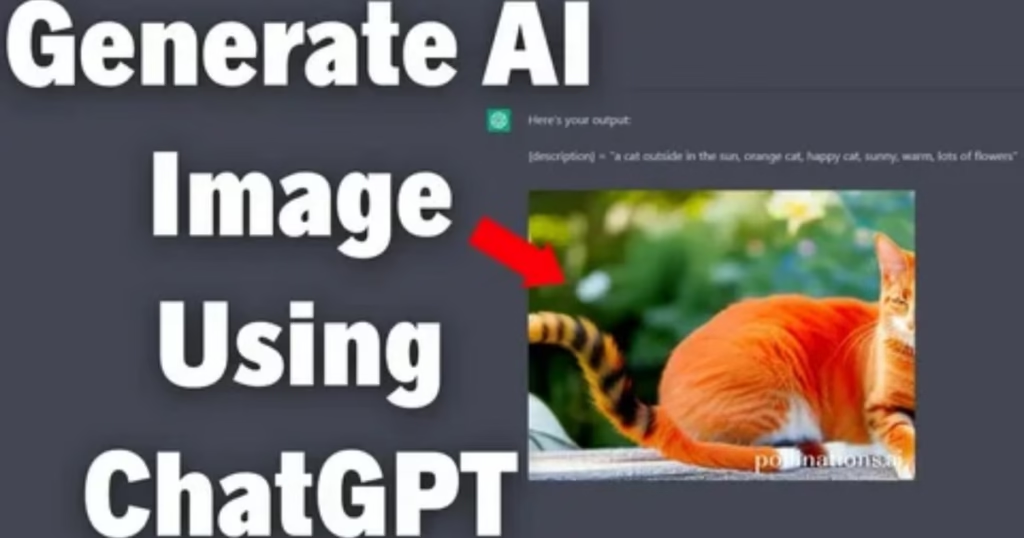
Can You Use ChatGPT Free to Generate Images?
Image-generation availability depends on the current ChatGPT product configuration and the limits associated with your account.
When image generation is available, you can describe the image you want using natural language.
For example:
“Create a realistic image of a modern laptop on a desk in a bright home office.”
You can then request modifications such as:
“Make the background more minimal and add soft morning light.”
Image-generation limits may vary, so users should check the current ChatGPT interface for the features and limits available to their account.
Is ChatGPT Free Really Free?
The free version of ChatGPT does not require a paid subscription for access to the free plan.
However, free does not necessarily mean unlimited.
Free accounts may have usage limits, feature restrictions, or temporary limits that can change depending on demand, system capacity, product updates, and the specific features being used.
For this reason, you should not rely on old articles claiming that free users always receive a specific fixed number of messages or generations.
OpenAI can change limits and features over time.
ChatGPT Free vs ChatGPT Plus
One of the most common questions is whether the free version is enough or whether users should pay for a subscription.
The answer depends on how frequently you use ChatGPT and which features you need.
ChatGPT Free
Best suited for:
- Casual users
- Students
- Beginners
- Occasional writing
- General questions
- Basic AI experimentation
Paid Plans
Paid access can be more appropriate for users who:
- Use AI heavily
- Need higher usage limits
- Want access to additional capabilities
- Depend on AI for professional workflows
- Need more advanced features available under their current subscription
The specific differences between plans can change, so users should review the current official plan information before purchasing.
Do You Need ChatGPT Plus?
Not necessarily.
If you’re using ChatGPT occasionally for questions, writing help, brainstorming, learning, or simple tasks, the free version may be sufficient.
A paid subscription becomes more attractive when ChatGPT is an important part of your daily workflow and you frequently encounter free-tier limits.
For example, a professional who uses AI several times every working day may benefit more from additional access than someone who uses it once or twice per week.
How to Get Better Results From ChatGPT Free
The quality of your prompt has a major effect on the usefulness of the response.
Instead of:
“Write an article about AI.”
try:
“Write a 2,000-word beginner-friendly article explaining how generative AI works. Use clear H2 and H3 headings, practical examples, FAQs, and a concise conclusion.”
The second request gives the AI more context.
Tell ChatGPT Your Goal
Explain what you’re trying to accomplish.
For example:
“I am writing a beginner’s guide for people who have never used AI.”
This gives the response a clearer audience.
Specify the Format
Tell ChatGPT whether you want:
- Bullet points
- A table
- Step-by-step instructions
- A blog post
- An email
- A summary
- A comparison
Specify the Tone
You can request:
- Professional
- Friendly
- Simple
- Technical
- Educational
- Concise
Provide Context
The more relevant context you provide, the easier it is for ChatGPT to tailor the answer.
Common ChatGPT Free Mistakes to Avoid
Although ChatGPT is powerful, users should understand its limitations.
Don’t Assume Every Answer Is Correct
AI can produce incorrect or outdated information.
Important facts should be verified through reliable sources.
Don’t Share Sensitive Information
Avoid unnecessarily entering:
- Passwords
- Credit-card details
- Private account credentials
- Confidential business information
- Sensitive personal information
Don’t Rely on AI for Every Decision
For legal, medical, financial, or other high-stakes matters, consult an appropriately qualified professional and verify information independently.
Don’t Use Vague Prompts
A vague request often produces a generic response.
Give the AI enough information to understand your objective.
ChatGPT Free Tips for Beginners
If you’re using ChatGPT for the first time, start with simple tasks.
Try asking:
“Explain artificial intelligence in simple language.”
Then:
“Give me five real-world examples.”
Then:
“Explain how generative AI is different from traditional AI.”
This teaches you how conversational prompting works.
You can also ask ChatGPT to improve your prompt.
For example:
“I want to create a professional blog article about AI. Help me write a better prompt for this task.”
This is an easy way to learn prompt-writing techniques.
FAQs
Is ChatGPT Free to Use?
Yes. ChatGPT offers a free tier, although usage limits and available features can vary over time.
How Do I Use ChatGPT for Free?
Open ChatGPT, sign in if required, start a conversation, and enter your question or instruction. The features available to you depend on the current free-tier configuration.
Is ChatGPT Free Without a Subscription?
Yes, a free tier is available without purchasing a paid subscription.
Can I Use ChatGPT Free on a Phone?
ChatGPT is available through supported web and mobile experiences. Availability and features can vary by platform and region.
Can ChatGPT Free Write Articles?
Yes. You can use ChatGPT to brainstorm, outline, draft, rewrite, summarize, and edit content.
Can ChatGPT Free Help With Homework?
It can explain concepts, provide examples, and help students learn. Students should follow their school’s AI policies and avoid submitting AI-generated work as their own when prohibited.
Can ChatGPT Free Create Images?
Image-generation availability depends on the current ChatGPT features and free-tier limits available to your account.
Does ChatGPT Free Have Usage Limits?
Yes. Free access can have limits, and those limits can change depending on the current product configuration and demand.
Is ChatGPT Free Better Than Google Search?
They serve different purposes. Search engines are designed primarily to locate web pages and current online information, while ChatGPT is designed for conversational assistance, explanations, writing, brainstorming, and other interactive tasks. For current facts, users should verify information using reliable sources.
Should I Upgrade From ChatGPT Free?
If you only use ChatGPT occasionally, the free tier may be enough. If you use it heavily or need capabilities and limits associated with a paid plan, an upgrade may be worth considering.
Final Thoughts
ChatGPT Free provides an accessible way to explore artificial intelligence without immediately purchasing a subscription. For many users, it can handle a surprisingly broad range of everyday tasks, from answering questions and explaining difficult subjects to writing, brainstorming, coding assistance, and creative work.
The most effective way to use it is not simply to ask one question and accept the first response. Treat ChatGPT as an interactive assistant: explain your goal, provide context, ask follow-up questions, request revisions, and verify important information.
The exact features and limits available to free users can change as ChatGPT continues to evolve. Therefore, anyone relying on ChatGPT for regular work should check the current product interface and official OpenAI information for the latest availability.
For beginners, however, the basic principle remains simple:
Start with a clear question, explain what you need, review the answer, and refine your request.
That approach can help you get significantly more value from ChatGPT Free without needing advanced technical knowledge.


Leave a comment