

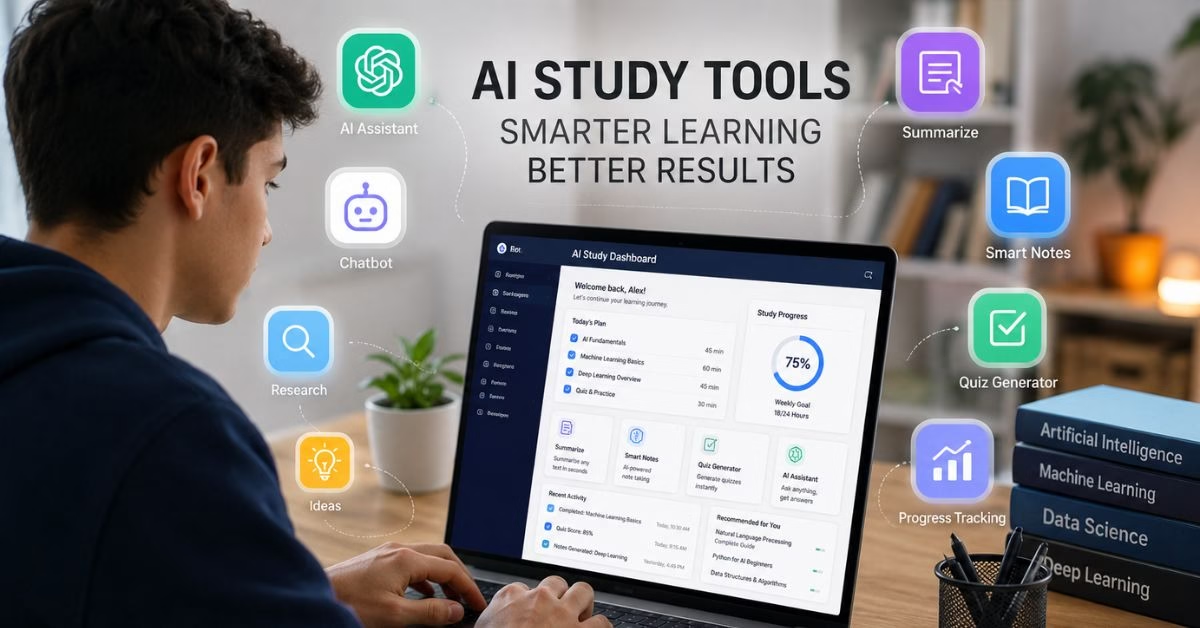

Artificial Intelligence (AI) is transforming the way students learn, research, write, and manage their academic work. From taking notes during lectures to generating study materials and improving writing, AI-powered apps can help students save time and improve productivity.
In this guide, we review the best AI apps for students in 2026. Whether you are a high school student, college student, or lifelong learner, these tools can help you study smarter and achieve better results.
Why Students Are Using AI Tools
Students face many challenges, including managing assignments, taking notes, researching topics, preparing presentations, and meeting deadlines. AI tools help by:
- Automating repetitive tasks
- Improving writing quality
- Organizing study materials
- Creating summaries of long documents
- Assisting with research
- Generating study guides and quizzes
- Increasing productivity
The right AI app can become a valuable academic assistant.
How We Selected These AI Apps
We evaluated each app based on:
- Ease of use
- Accuracy
- Student-friendly features
- Pricing
- Learning support
- Productivity benefits
- Availability on desktop and mobile devices
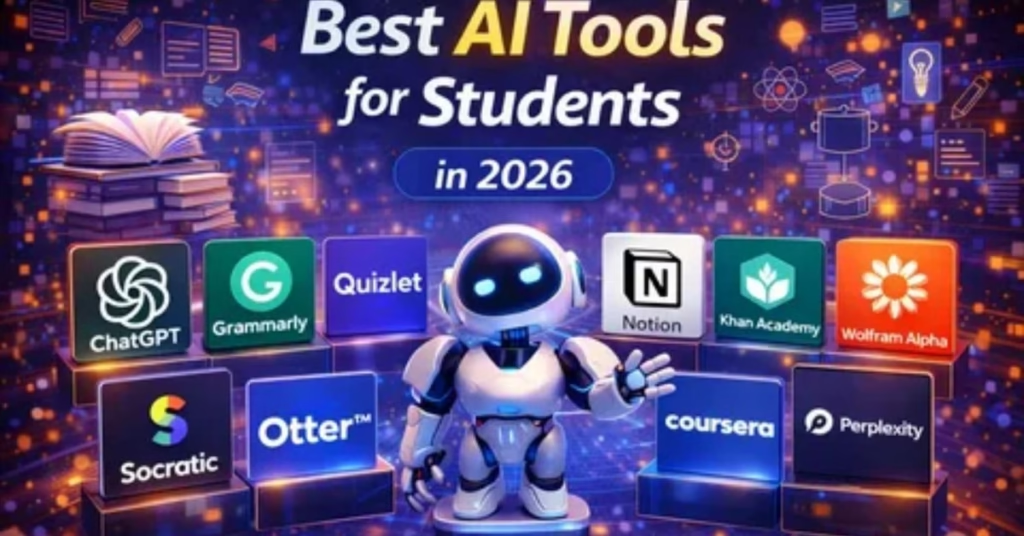
1. ChatGPT
Best For: Research, Writing, and Study Assistance
ChatGPT remains one of the most popular AI tools for students. It can explain complex topics, help brainstorm ideas, summarize articles, and assist with writing assignments.
Key Features
- Answers academic questions
- Summarizes text
- Generates study notes
- Helps with essay outlines
- Supports multiple subjects
Pros
- Easy to use
- Excellent explanations
- Available on web and mobile
Cons
- Can occasionally provide inaccurate information
- Requires fact-checking
Pricing
Free plan available with premium options.
2. Claude
Best For: Long Documents and Research
Claude is known for handling large amounts of text. Students can upload lengthy research papers and receive summaries, explanations, and insights.
Key Features
- Long-context processing
- Research assistance
- Academic writing support
- Document summarization
Pros
- Excellent for research
- Strong reasoning abilities
Cons
- Some advanced features require a paid plan
Pricing
Free and paid plans available.
3. Google Gemini
Best For: Google Ecosystem Users
Google Gemini integrates well with Google Workspace tools such as Docs, Sheets, and Gmail.
Key Features
- Research assistance
- Writing support
- Productivity tools
- Integration with Google services
Pros
- Works well with Google products
- User-friendly interface
Cons
- Premium features may require a subscription
Pricing
Free and premium options.
4. Notion AI
Best For: Note-Taking and Organization
Notion AI helps students organize notes, projects, and assignments in one place.
Key Features
- AI-generated summaries
- Task management
- Note organization
- Project planning
Pros
- Excellent productivity platform
- Strong collaboration features
Cons
- Learning curve for beginners
Pricing
Free plan available.
5. Grammarly
Best For: Writing Improvement
Grammarly helps students improve grammar, spelling, clarity, and tone.
Key Features
- Grammar checking
- Sentence rewriting
- Tone suggestions
- Plagiarism checking
Pros
- Easy to use
- Improves academic writing
Cons
- Premium features require payment
Pricing
Free and premium plans.
6. Perplexity AI
Best For: Research and Source-Based Answers
Perplexity AI provides answers with references and sources, making it useful for academic research.
Key Features
- Source citations
- Research support
- Web-based answers
- Fast results
Pros
- Reliable sourcing
- Excellent for fact-checking
Cons
- Some advanced features are paid
Pricing
Free and Pro plans available.
7. Otter AI
Best For: Lecture Transcriptions
Otter AI records and transcribes lectures automatically.
Key Features
- Voice transcription
- Meeting summaries
- Lecture notes
- Searchable transcripts
Pros
- Saves note-taking time
- Accurate transcription
Cons
- Limited free minutes
Pricing
Free and premium options.
8. Quizlet AI
Best For: Exam Preparation
Quizlet uses AI to create flashcards, quizzes, and study materials.
Key Features
- Flashcards
- Practice tests
- Learning games
- Personalized study plans
Pros
- Great for memorization
- Useful for exam preparation
Cons
- Premium features locked behind subscription
Pricing
Free and paid plans.
9. Canva AI
Best For: Presentations and Projects
Canva AI helps students create presentations, posters, and visual projects quickly.
Key Features
- AI design assistance
- Presentation templates
- Image generation
- Visual content creation
Pros
- Easy design tools
- Student-friendly interface
Cons
- Some premium assets require payment
10. Microsoft Copilot
Best For: Productivity and Office Work
Microsoft Copilot works within Word, Excel, and PowerPoint.
Key Features
- Writing assistance
- Data analysis
- Presentation creation
- Productivity support
Pros
- Excellent Microsoft integration
Cons
- Best experience requires Microsoft ecosystem
11. Khanmigo
Best For: Personalized Learning
Khanmigo is designed specifically for education and learning support.
Key Features
- Guided learning
- Practice exercises
- Personalized tutoring
Pros
- Education-focused
- Student-friendly
Cons
- Limited availability in some regions
12. Wolfram Alpha
Best For: Mathematics and Science
Wolfram Alpha excels at solving complex equations and explaining scientific concepts.
Key Features
- Math problem solving
- Data analysis
- Scientific calculations
Pros
- Extremely accurate
- Excellent for STEM students
Cons
- Less useful for general writing
13. Duolingo Max
Best For: Language Learning
Duolingo Max uses AI to provide interactive language learning experiences.
Key Features
- Language practice
- AI conversations
- Personalized lessons
Pros
- Engaging learning experience
Cons
- Limited language support in some features
14. Elicit
Best For: Academic Research
Elicit helps students discover and analyze academic papers.
Key Features
- Literature reviews
- Research summaries
- Academic search
Pros
- Saves research time
Cons
- Focused mainly on academic users
15. Mem AI
Best For: Smart Note Management
Mem AI automatically organizes notes and information.
Key Features
- AI-powered note organization
- Search functionality
- Knowledge management
Pros
- Efficient note retrieval
Cons
- Less popular than some alternatives
Free vs Paid AI Apps
Free AI tools are suitable for most students who need help with writing, studying, and productivity. However, paid plans often provide:
- Better AI models
- Faster responses
- More uploads
- Advanced research features
- Premium integrations
Students should start with free plans and upgrade only when necessary.
Are AI Apps Safe for Students?
Most reputable AI apps are safe when used responsibly. Students should:
- Avoid sharing sensitive personal information
- Verify facts before submitting assignments
- Follow academic integrity guidelines
- Use AI as a learning aid rather than a replacement for critical thinking
Final Verdict
AI tools are becoming essential for modern education. For most students, a combination of ChatGPT, Claude, Notion AI, Grammarly, and Perplexity AI provides everything needed for studying, writing, research, and productivity.
If you are just getting started, begin with free versions of these tools and explore which ones best fit your learning style.
FAQs
What is the best free AI app for students?
ChatGPT, Gemini, and Perplexity AI are among the best free AI apps available for students.
Can AI help with homework?
Yes. AI can explain concepts, generate study materials, and provide learning assistance. However, students should always verify information and complete their own work.
Which AI tool is best for note-taking?
Notion AI and Otter AI are excellent choices for note-taking and lecture organization.
Is using AI for studying allowed?
Most schools allow AI as a learning tool, but policies vary. Students should review their institution’s academic integrity guidelines.
Which AI app is best for research?
Perplexity AI, Claude, and Elicit are strong options for academic research and source discovery.




Leave a comment